Free online booking for barbers
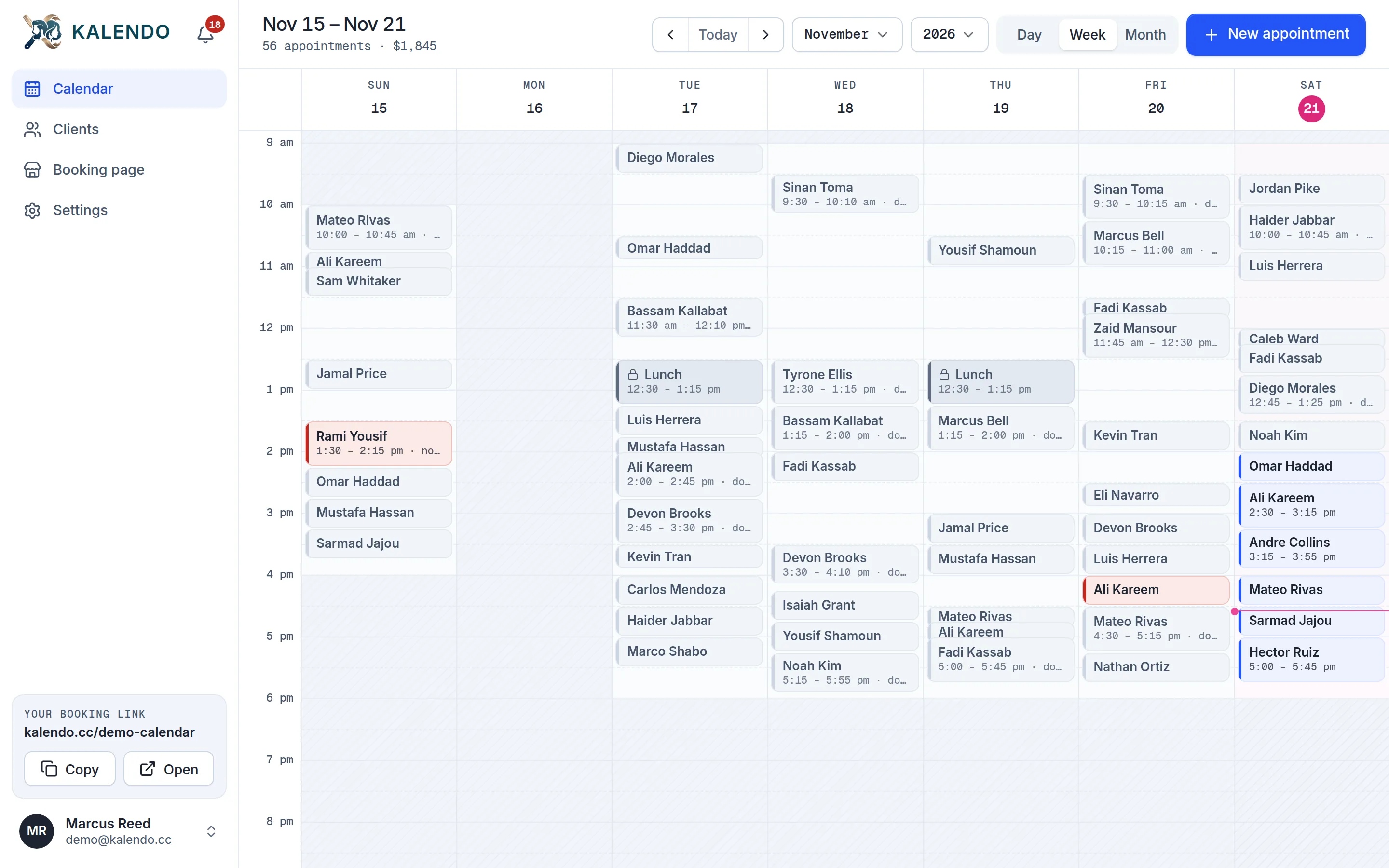
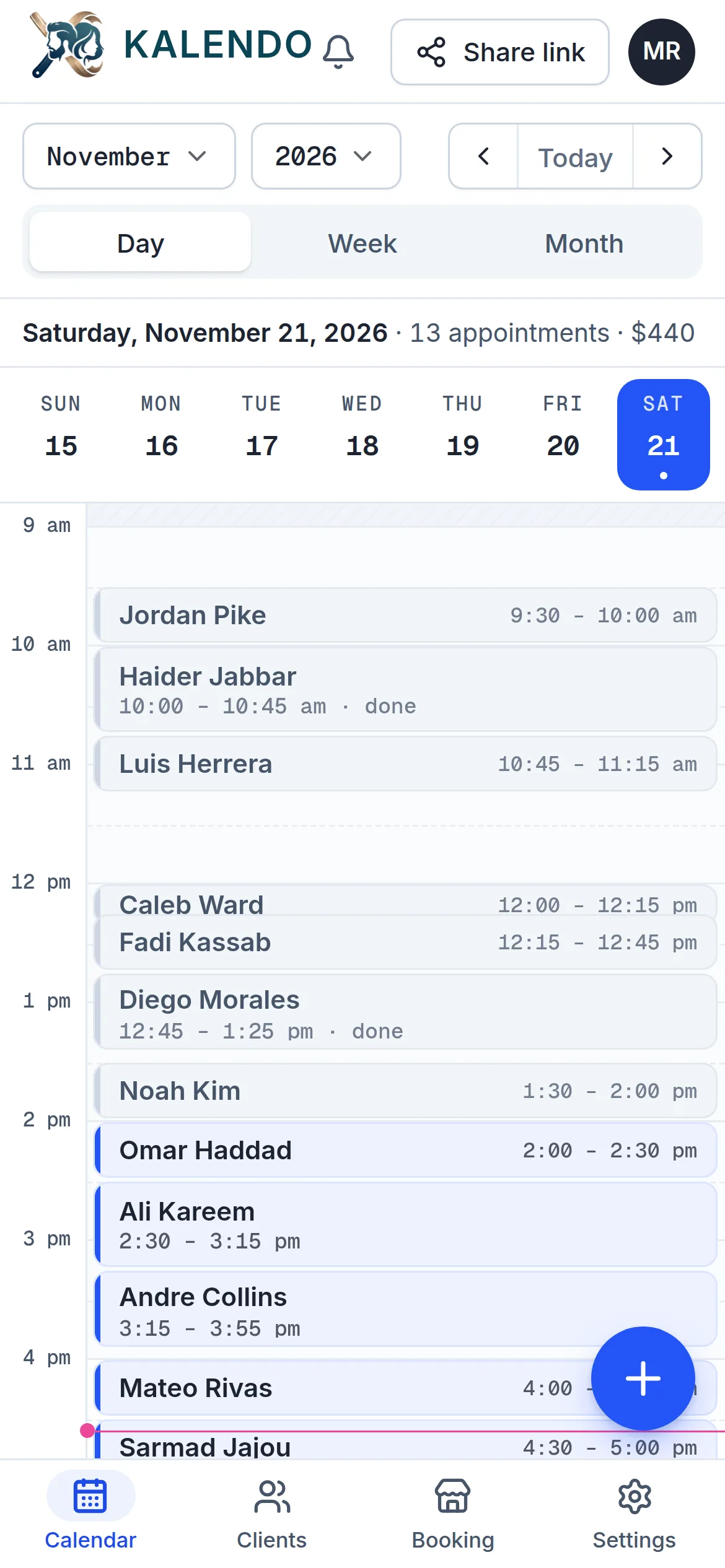
Your own booking link for your chair. Clients pick a cut, a beard or both and a time that's really open, and walk-ins and phone bookings go on the same calendar.
Free to use · no card needed
- Haircut30 min$30
- Beard trim15 min$15
- Haircut and beard45 min$45
- Kids' cut30 min$25
- Line-up15 min$15
Made for how barbers work
- Walk-ins on the same calendarAdd a walk-in or a phone booking with a tap, so nobody online is offered a time you've already given away.
- Cut and beard in one visitClients pick both, and Kalendo books the time they take together, only where it fits.
- In English and ArabicRun your calendar in either, and clients can switch your booking page to the language they read.
Everything in Kalendo, free
No plans to compare and nothing held back. Your clients book from your link in any browser, with no app and no account.
- Your own booking link
- Day, week and month calendar
- Services that add up their own time
- Clients move or cancel from their link
- Email confirmations and reminders
- Booking alerts on your phone
- English and Arabic
Set up once, booked all week
Three steps, and you only do the first two.
- 1Set your hours and servicesThe days and times you take clients, your services with their price and length, your breaks and days off.
- 2Share your linkPut kalendo.cc/your-name in your bio, your texts, your window. That is your booking page.
- 3Clients book themselvesThey pick a time that is really free. It shows up on your calendar and your phone tells you.
Questions barbers ask
Is Kalendo really free?
Yes. There's no paid plan and no trial that runs out. Sign up without a card and use all of it.
Can I still take walk-ins?
Yes. Add a walk-in from your calendar in a couple of taps. The time is taken, so nobody can book over it online.
Can I leave a few minutes between clients?
Yes. Set a gap of 5 to 30 minutes between appointments to sweep up and reset, and Kalendo keeps it free.
Can I stop people booking at the last minute?
Yes. Choose how much notice you need, from none up to two days, and Kalendo won't offer anything sooner.
Start taking bookings today
It’s free. Set your hours tonight, send your link tomorrow, and see who books.
Get started free