
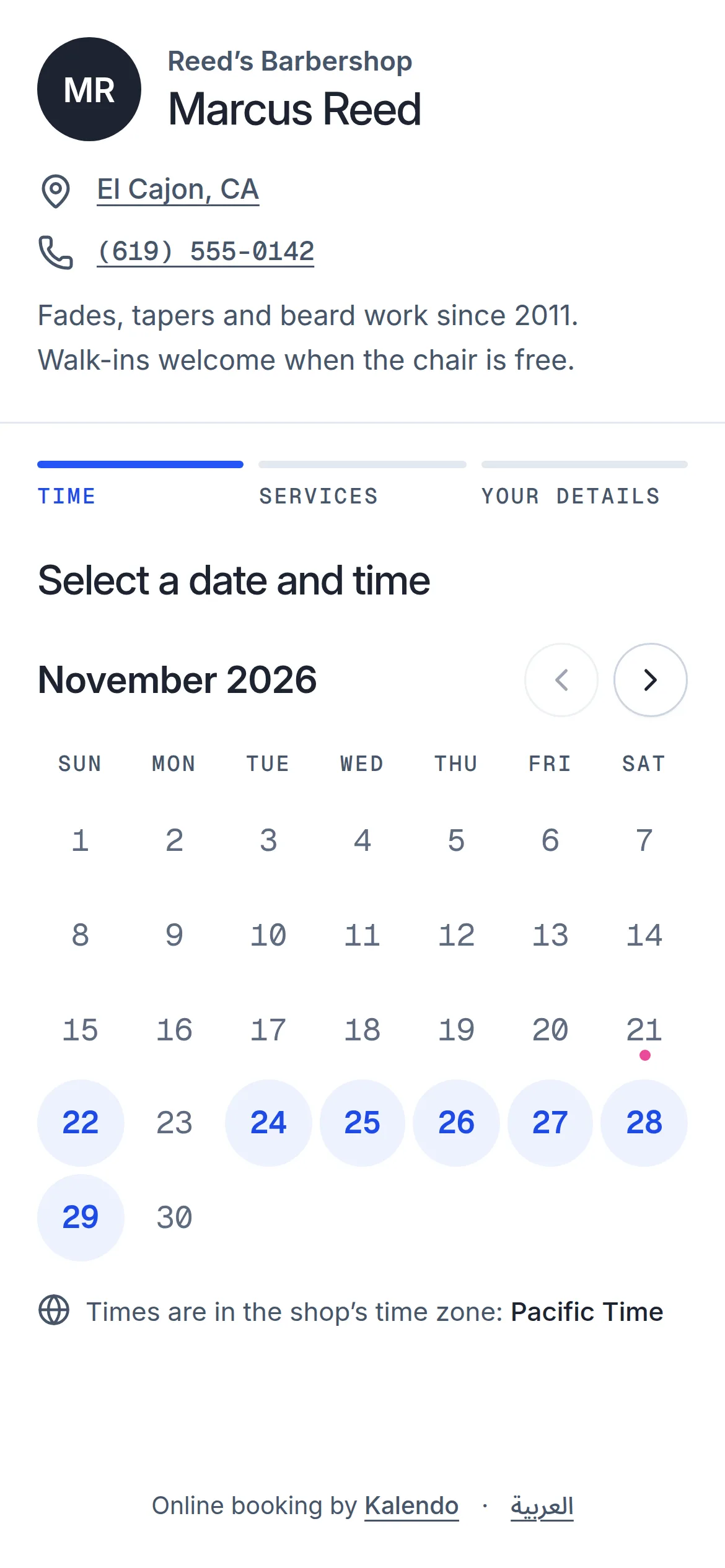
Booked in under a minute
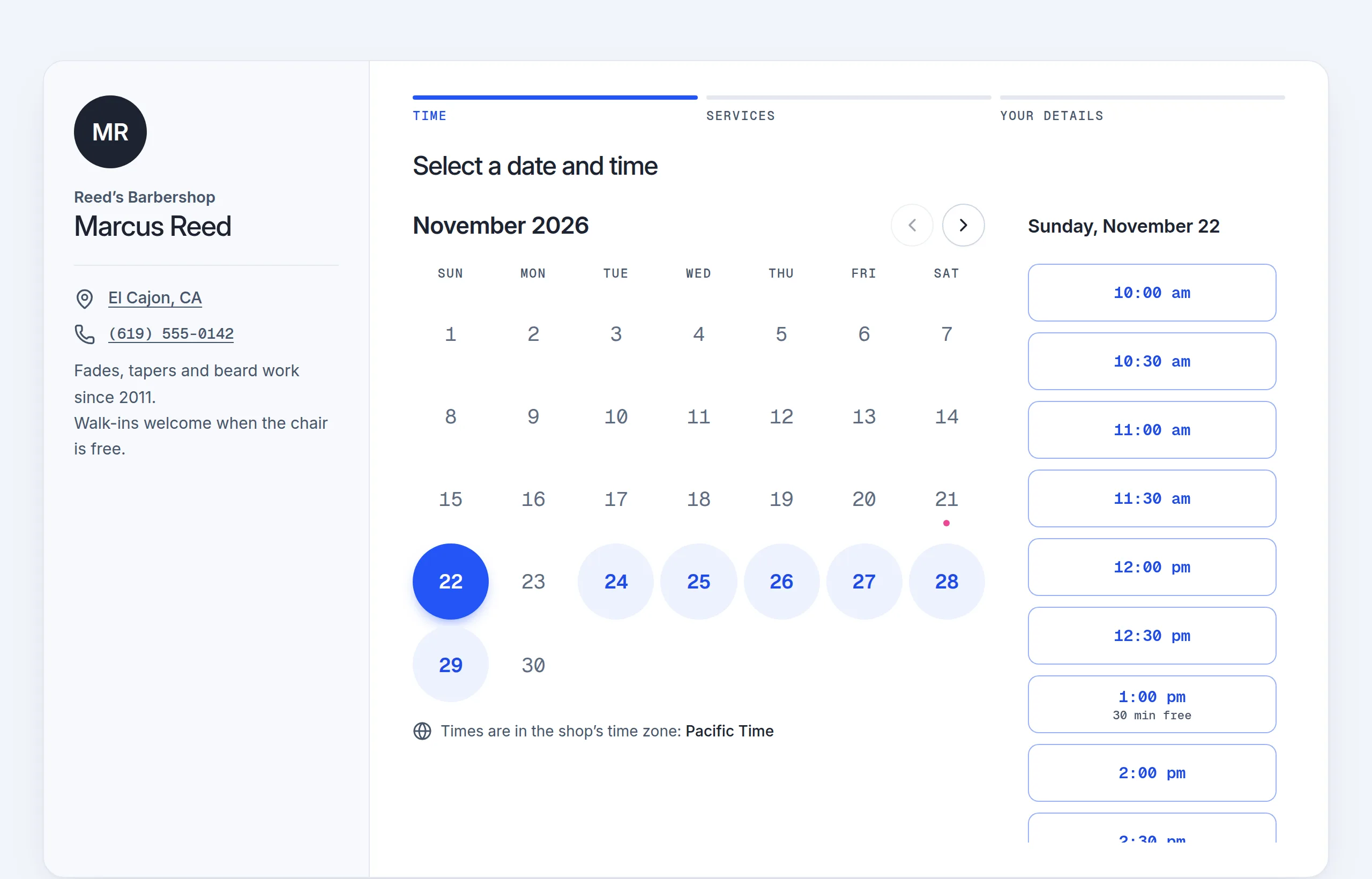
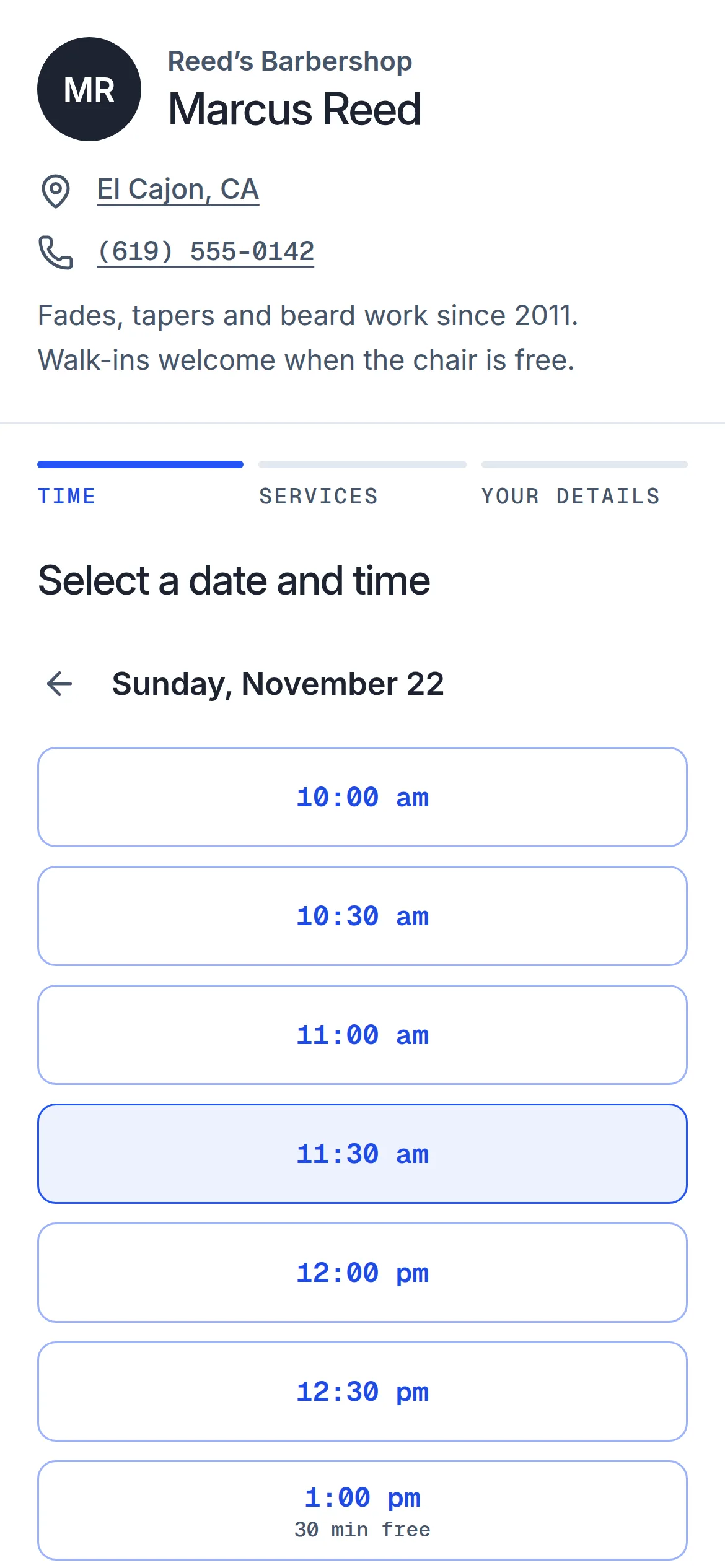
A day, a time, their services, a name and a number. No app to download, no account to make.
Your own booking page and calendar. Clients pick an open time and book themselves, and you get on with the work in front of you.
Free to use · no card needed
Everything a one-person business needs to take bookings, and nothing it does not.
A day, a time, their services, a name and a number. No app to download, no account to make.
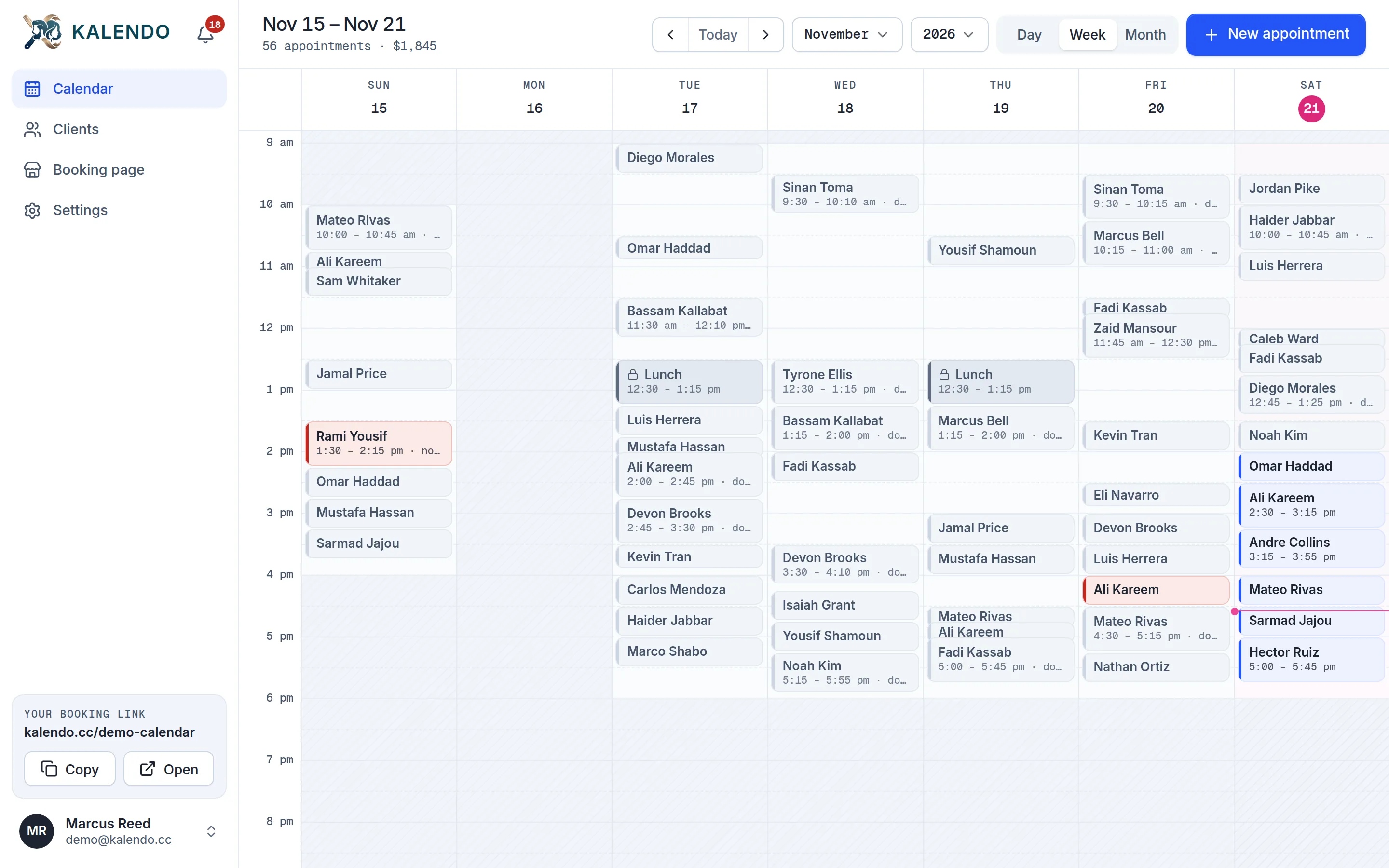
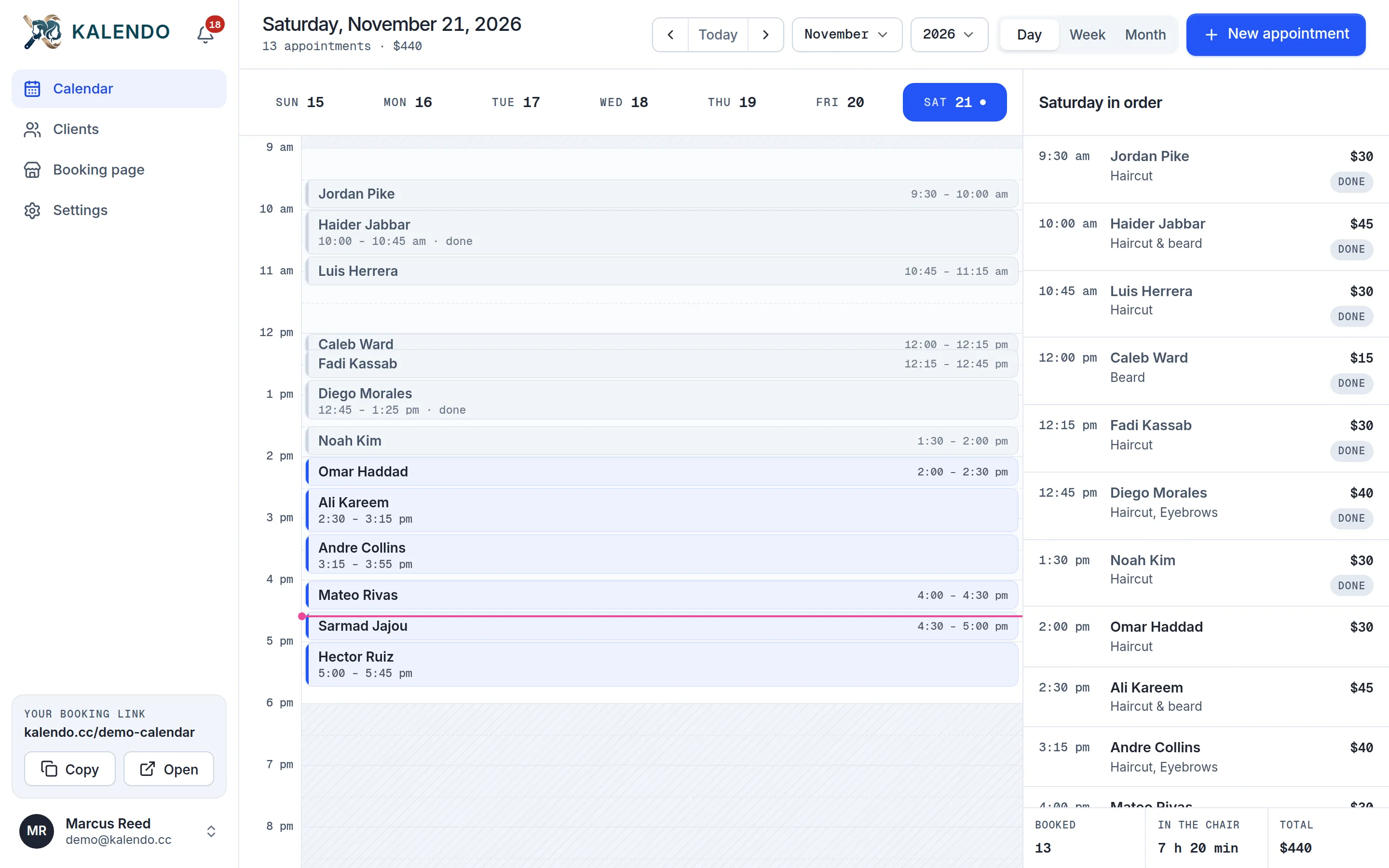
Day, week and month views. Add a walk-in, block off lunch or move a booking with a tap.
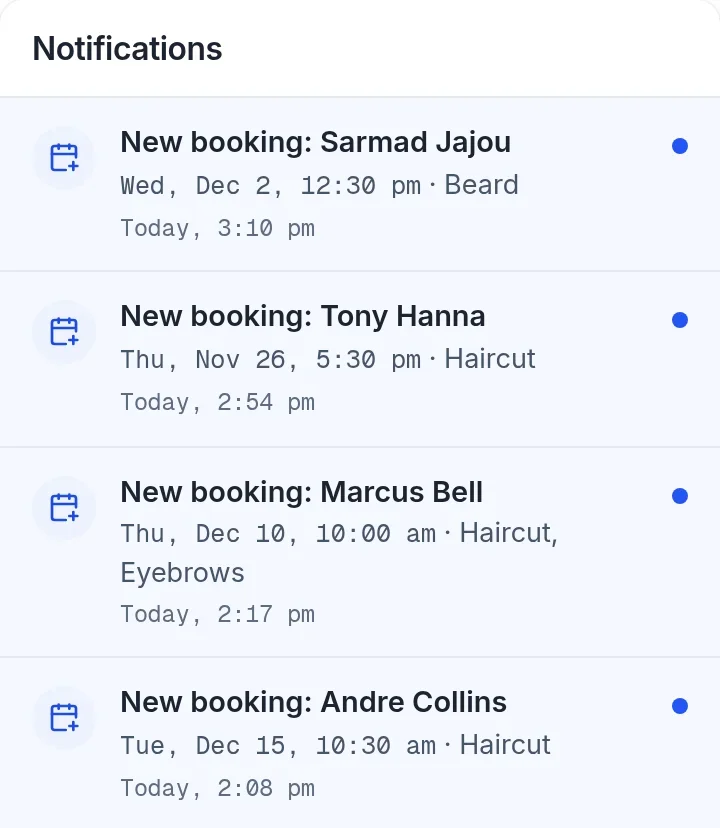
Alerts on your phone and a bell in the app for every booking, move and cancellation.
If clients book time with you, Kalendo takes the bookings. One person, one calendar, one link.
Three steps, and you only do the first two.
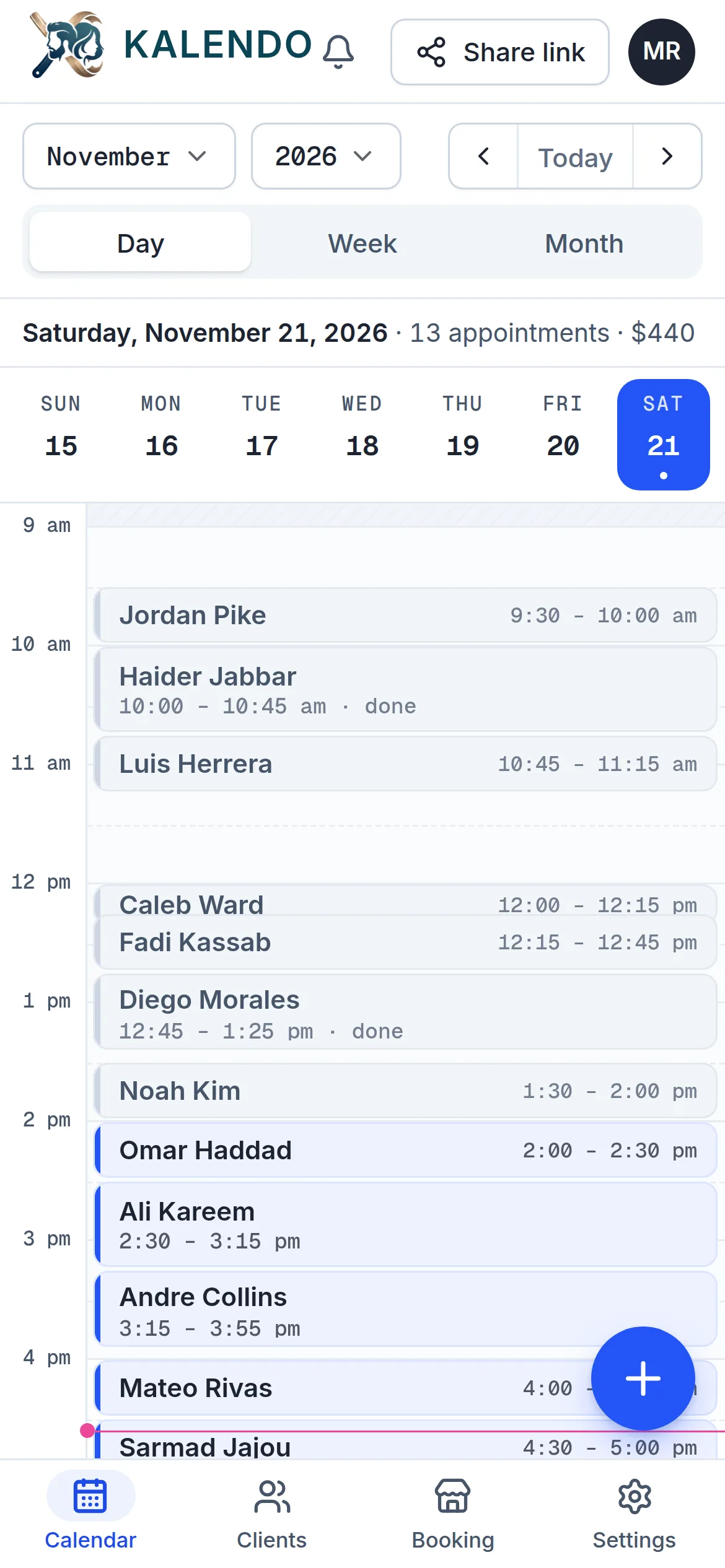
Your hours, your services, your calendar. Clients only ever see a time you can actually take.
Send your link by text or post it on your page. Clients pick a day, a time and their services, and they are booked: no account, no waiting for you to reply.
An alert on your phone for every booking, move and cancellation, and a bell in the app with the whole list.
Two services in one visit? Kalendo adds up the time and offers only the gaps it fits, around your hours, breaks and days off.
Every client gets a private link to move or cancel, up to the cutoff you set. The time opens up again for someone else, and you are told.
Run your calendar in either. Clients can switch your booking page to the one they read.
اختار اليوم والوقت · احجز الموعد
No plans to compare and nothing held back. Sign up and use all of it.
A free booking page and calendar for anyone who works by appointment. You set your hours and your services once; clients pick an open time from your link and book themselves.
Anyone who books clients into their own time: barbers and hairstylists, nail, lash and brow techs, makeup and tattoo artists, massage therapists, personal trainers, tutors and other one-person businesses.
Yes. Kalendo is free to use, with everything included, and you don't need a card to sign up.
No. They open your link in any browser, pick a day, a time and their services, and enter their name and phone number. An email is optional, for a confirmation and a reminder.
Your link looks like kalendo.cc/your-name. Put it in your Instagram bio or your Google Business Profile, send it in a text or a WhatsApp message, or hand it to clients in person.
Yes. Every booking comes with a private link to move or cancel, up to the cutoff you choose. The time opens up again for someone else, and you're told.
Yes. You get an email, an alert on your phone if you allow alerts, and the bell in the app lists every booking, move and cancellation.
Yes. Set weekly hours with a lunch break, add days off or special hours for a single day, and block time on your calendar whenever you need it.
Each person gets their own account, booking link and calendar, all free. Kalendo is built around one person's time, so nobody is booked twice at the same moment. One shared calendar for a whole team isn't built yet.
Not yet. Your prices show on your booking page, and clients pay you in person.
Yes. Kalendo works in English and Arabic, and clients can switch your booking page to the language they read.
It’s free. Set your hours tonight, send your link tomorrow, and see who books.
Get started free