The free Acuity Scheduling alternative
Acuity has no free plan: its cheapest is $20 a month, or $16 a month paid yearly. Kalendo gives you your own booking page and calendar for free, with no card to enter.
Kalendo
Free
with everything included
$0 a year
Acuity Scheduling
$20
a month on Starter, or $16 a month paid yearly
$192 to $240 a year
Kalendo and Acuity, side by side
What each one costs, and where Kalendo does less.
| What | Kalendo | Acuity Scheduling |
|---|---|---|
| Price | PriceFree | PriceFrom $20 a month, or $16 a month paid yearly |
| Free plan | Free planYes: all of it is free | Free planNo |
| Free trial | Free trialNot needed: it stays free | Free trial7 days |
| Calendars | CalendarsOne per account, and every person can have their own free account | Calendars1 on Starter; up to 6 on Standard, $34 a month or $27 paid yearly |
| Text message reminders | Text message remindersNot yet: reminders go by email | Text message remindersOn Standard and up |
| Online payments | Online paymentsNot yet: clients pay you in person | Online paymentsYes, through Stripe, Square, PayPal or Venmo |
Everything in Kalendo, free
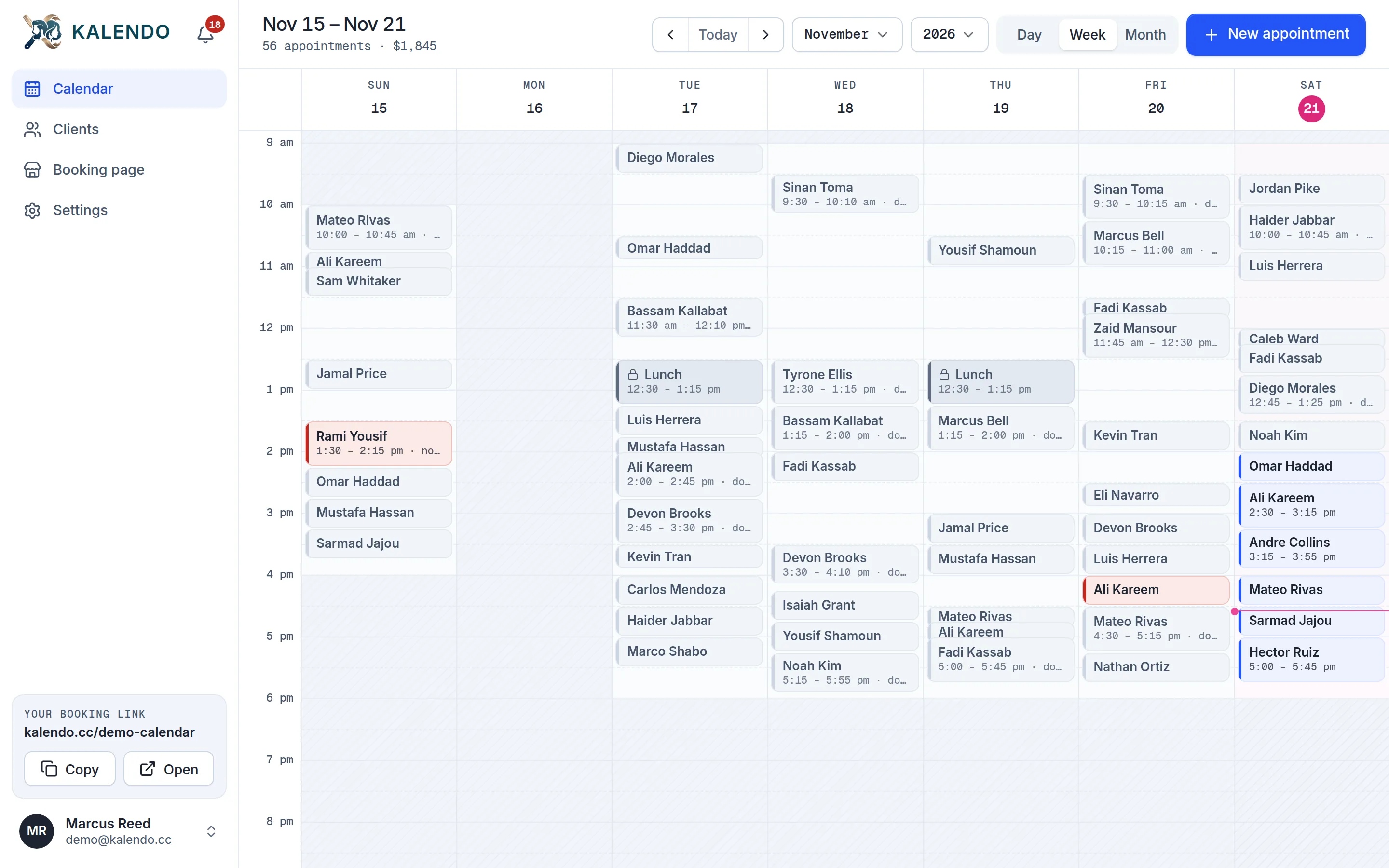
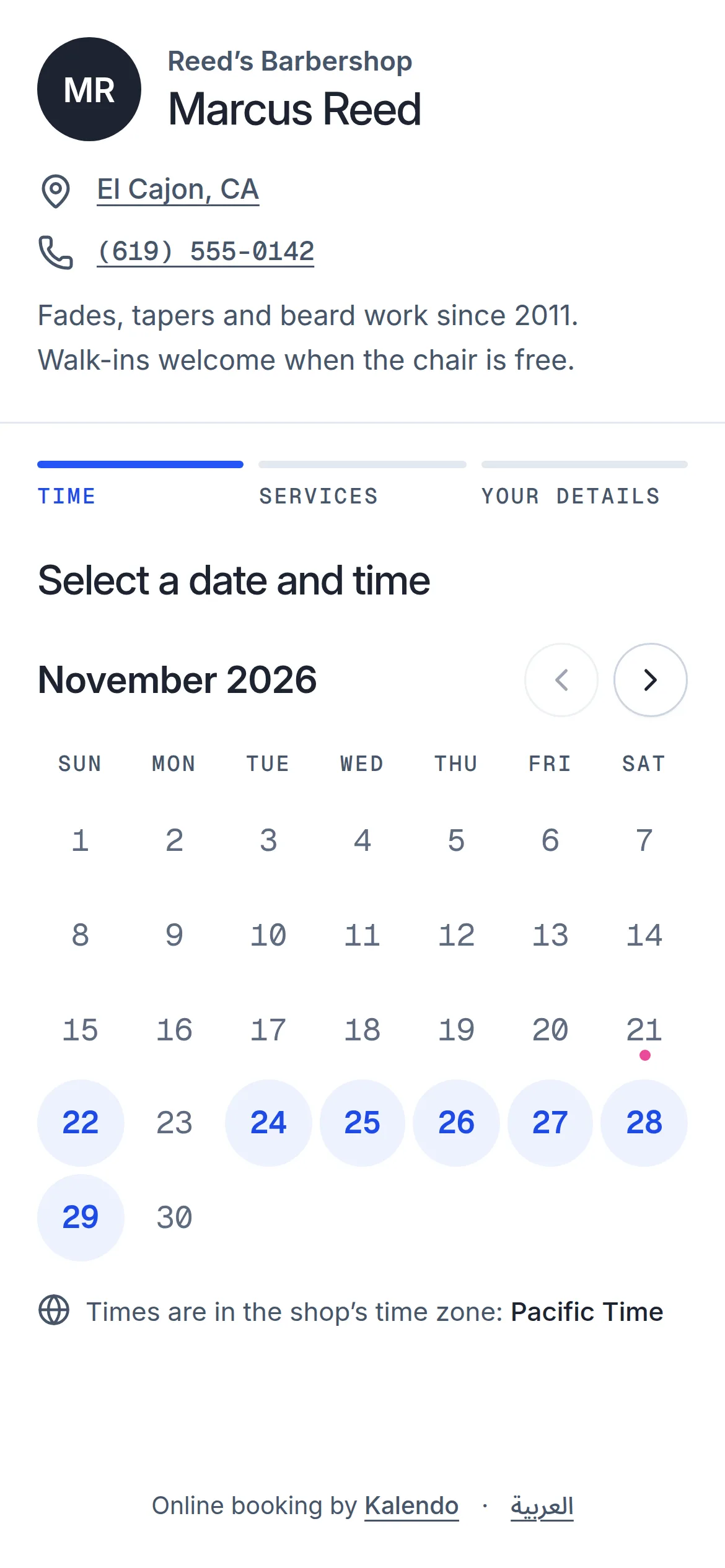
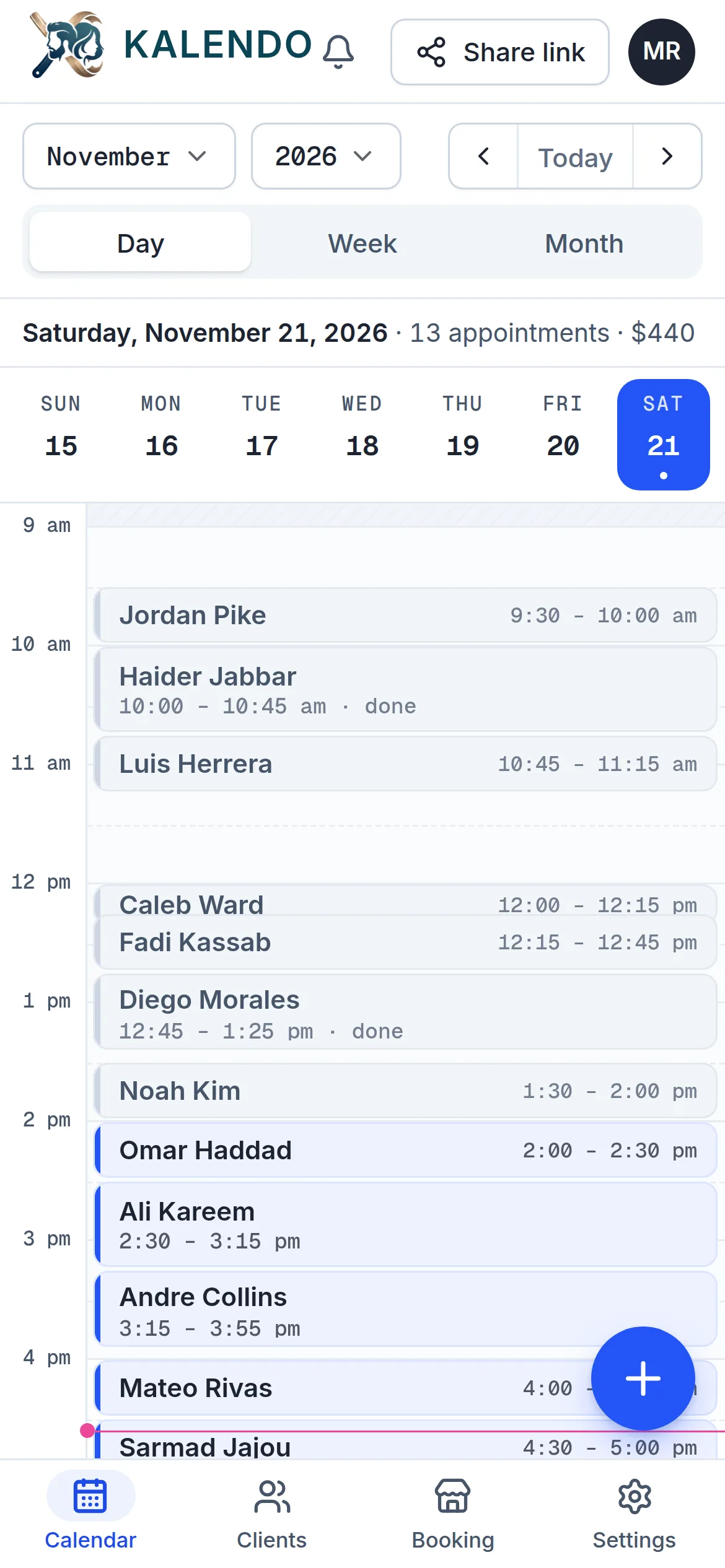
No plans to compare and nothing held back. Your clients book from your link in any browser, with no app and no account.
- Your own booking link
- Day, week and month calendar
- Services that add up their own time
- Clients move or cancel from their link
- Email confirmations and reminders
- Booking alerts on your phone
- English and Arabic
When Acuity may suit you better
Kalendo keeps to booking and your calendar. Acuity could be the better pick if:
- You want clients to pay online when they book.
- You want reminders sent by text message.
- You need several staff calendars under one account.
Switch from Acuity in three steps
Set it up in an evening, and keep using the old one until your link is out there.
- 1Set your hours and servicesThe days and times you take clients, your services with their price and length, your breaks and days off.
- 2Share your linkPut kalendo.cc/your-name in your bio, your texts, your window. That is your booking page.
- 3Clients book themselvesThey pick a time that is really free. It shows up on your calendar and your phone tells you.
Questions about switching
Is Kalendo really free?
Yes. There's no paid plan and no trial that runs out. Sign up without a card and use all of it.
Can I bring my clients over from Acuity?
There's no import yet. Send your new Kalendo link to your clients, put it in your bio, and add the appointments you already have to your calendar by hand. Everyone you book lands in your client list.
Do my clients need to download an app?
No. Clients book from your link in any web browser with their name and phone number. They don't make an account.
What does Acuity do that Kalendo doesn't?
Acuity takes online payments, and its Standard plan and up send text message reminders and hold several calendars on one account. Kalendo keeps to booking and your calendar: your link, your hours and services, email confirmations and reminders, and alerts on your phone.
Acuity Scheduling’s prices are from its pricing page, checked on November 22, 2026, in US dollars. Prices change, so check theirs before you decide. Acuity Scheduling is a trademark of its owner; Kalendo isn’t affiliated with it.
Try Kalendo before you renew Acuity
It’s free. Set your hours tonight, send your link tomorrow, and see who books.
Get started free